Windows 365: Tools, tips & tricks
On this page

Introduction
This is the fifth part of the Windows 365 series on my blog in which I will show you some of the greatest tools to manage Windows 365 and tips & tricks that will level up your Cloud PC game!

Tools
Microsoft Intune Suite
The Intune Suite is of course the most natural extension to Windows 365 when it comes to management over Intune. With the Suite you expand the already strong feature set of Intune with:
- Remote Help - remote assistance tool, natively integrated into Intune
- Endpoint Privilege Management - Windows elevation management for least-privilege and just-in-time access
- Advanced Analytics - AI powered data collection and correlation to optimize your endpoint infrastructure
- Enterprise Application Management - Microsoft catalog of common apps to deploy with Intune
- Microsoft Cloud PKI - cloud-based certification authority with integrated SCEP endpoint for certificate deployment to endpoint
Intune change tracking 🔎
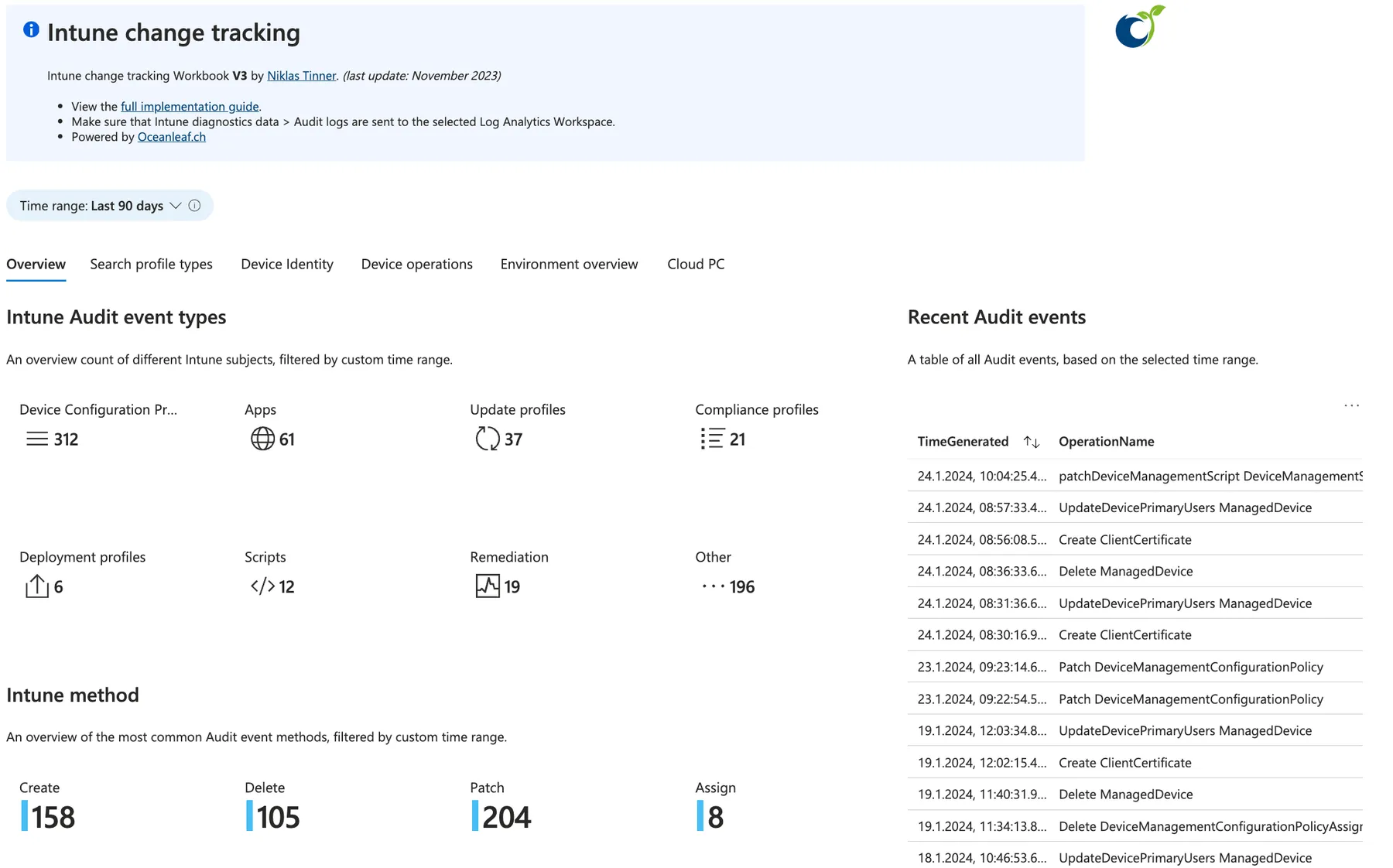
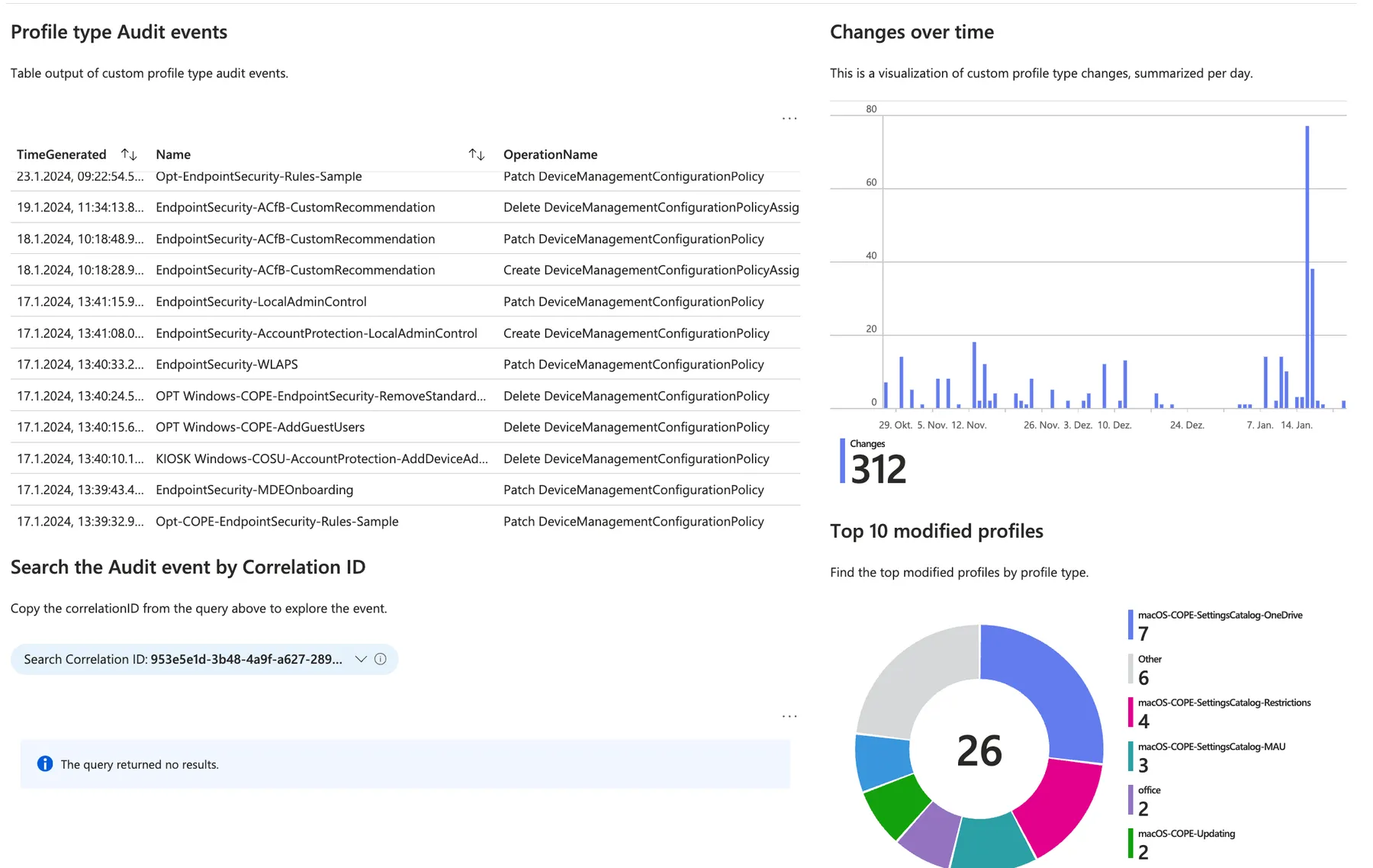
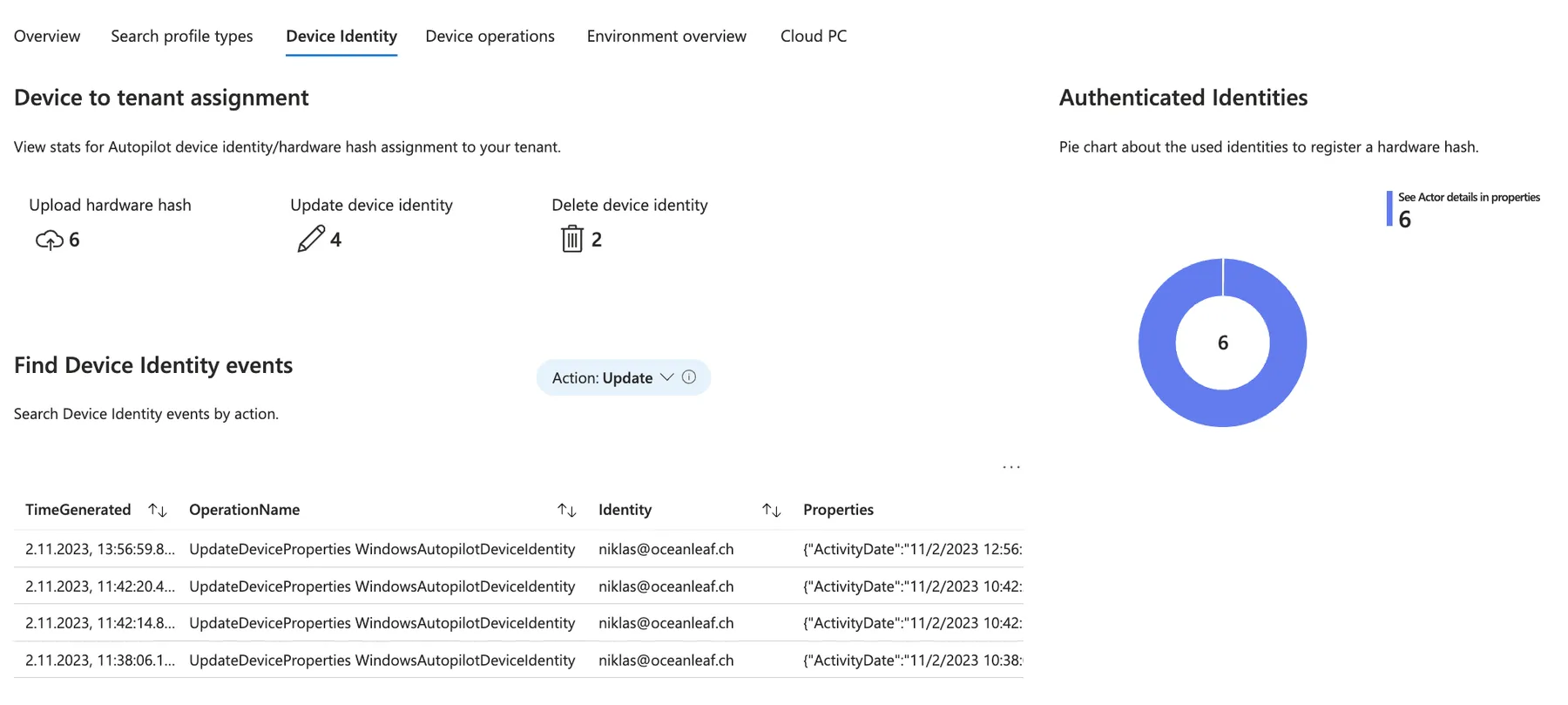
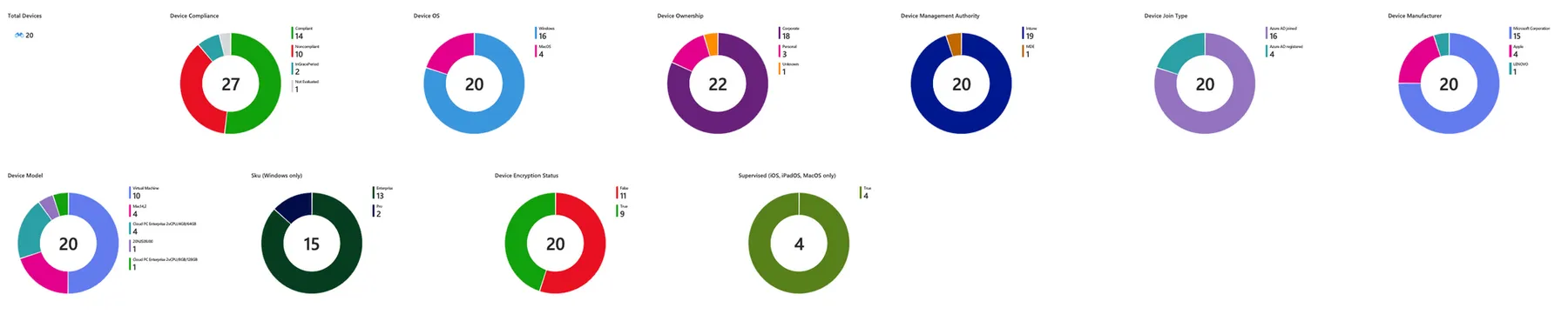
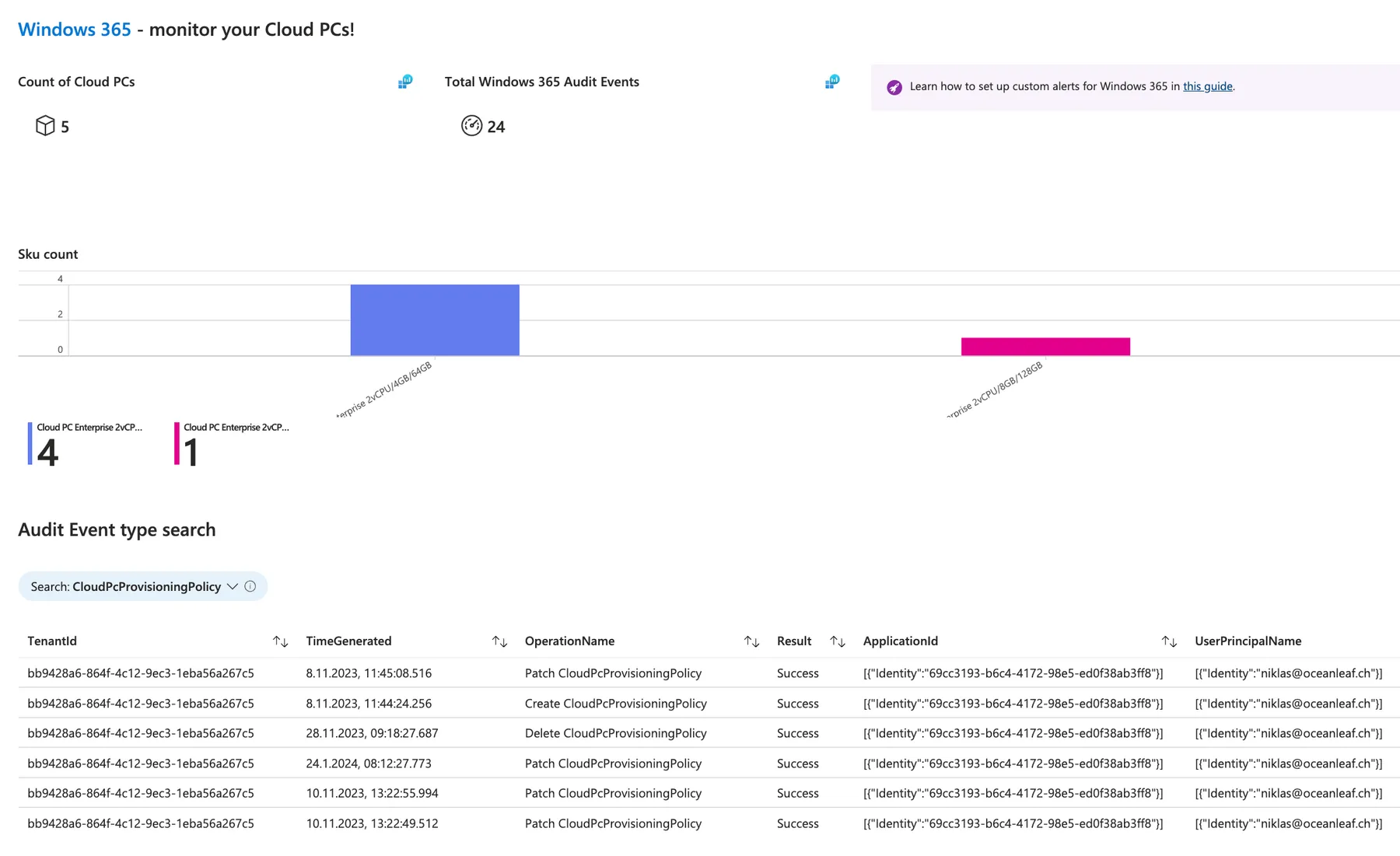
Did you ever wanted a single pane of glass experience to monitor your whole Intune environment? I have created the Intune change tracking which is an Azure Workbook that extracts and displays Intune audit events simply. And now there is also a Cloud PC blade dedicated to Windows 365!
ControlUp 🕹️
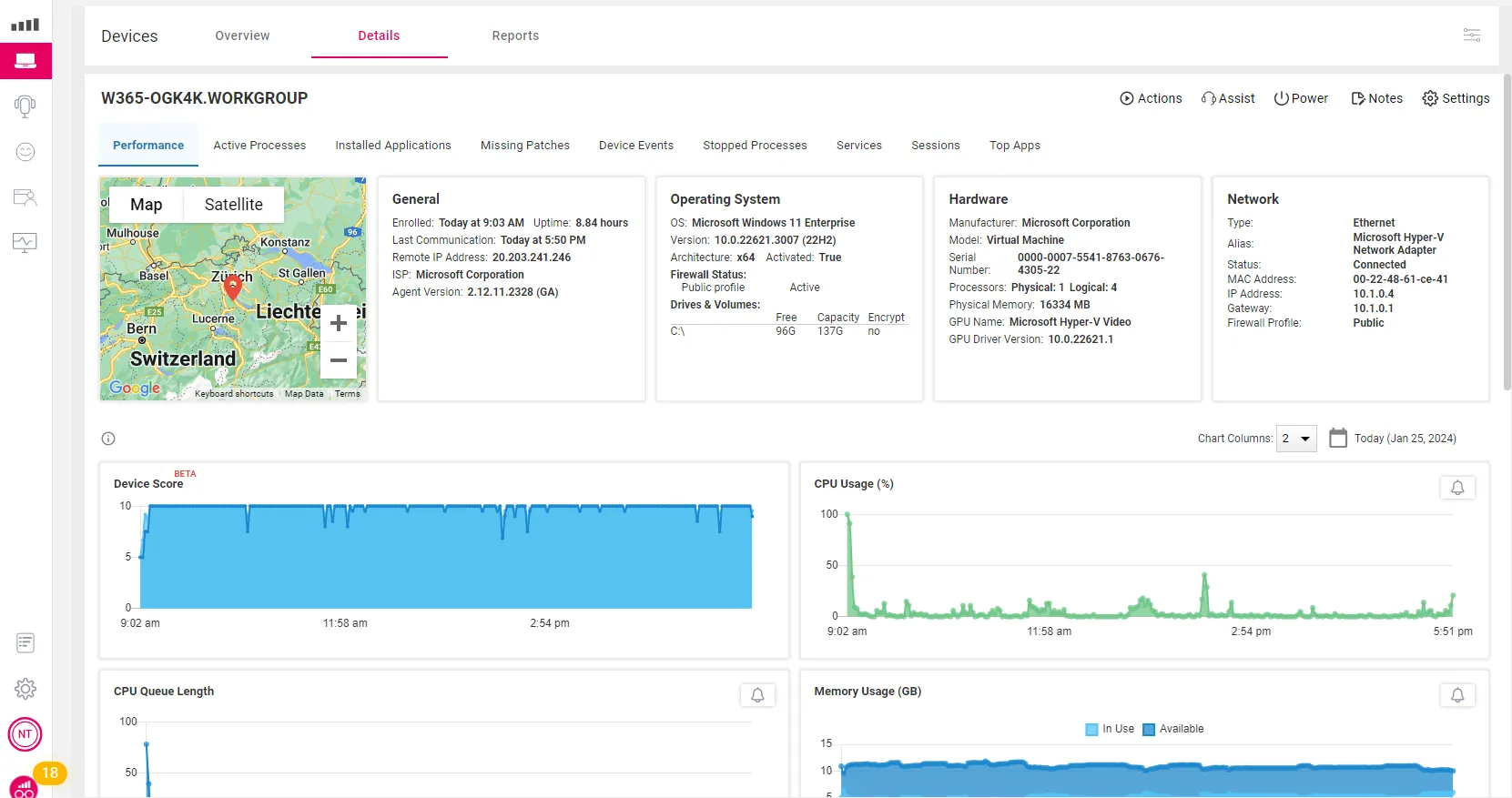
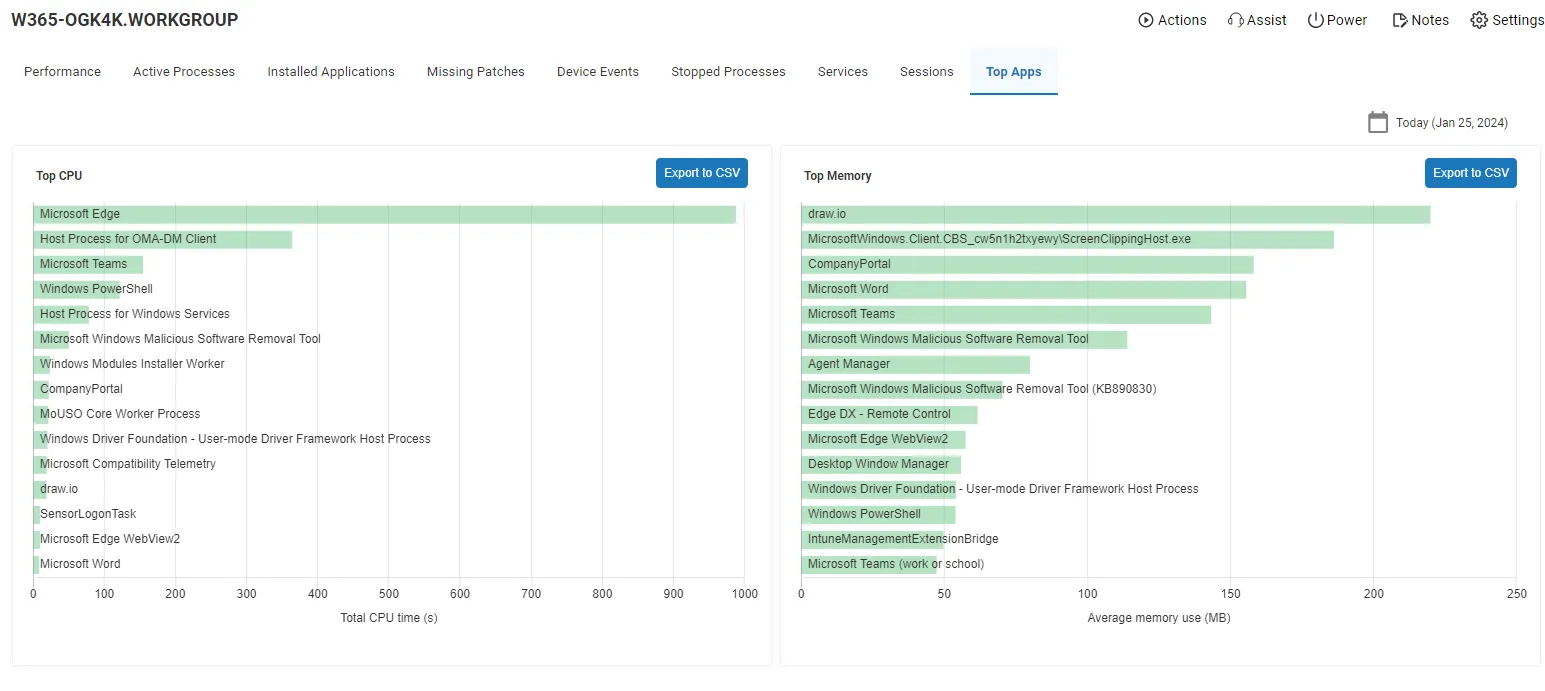
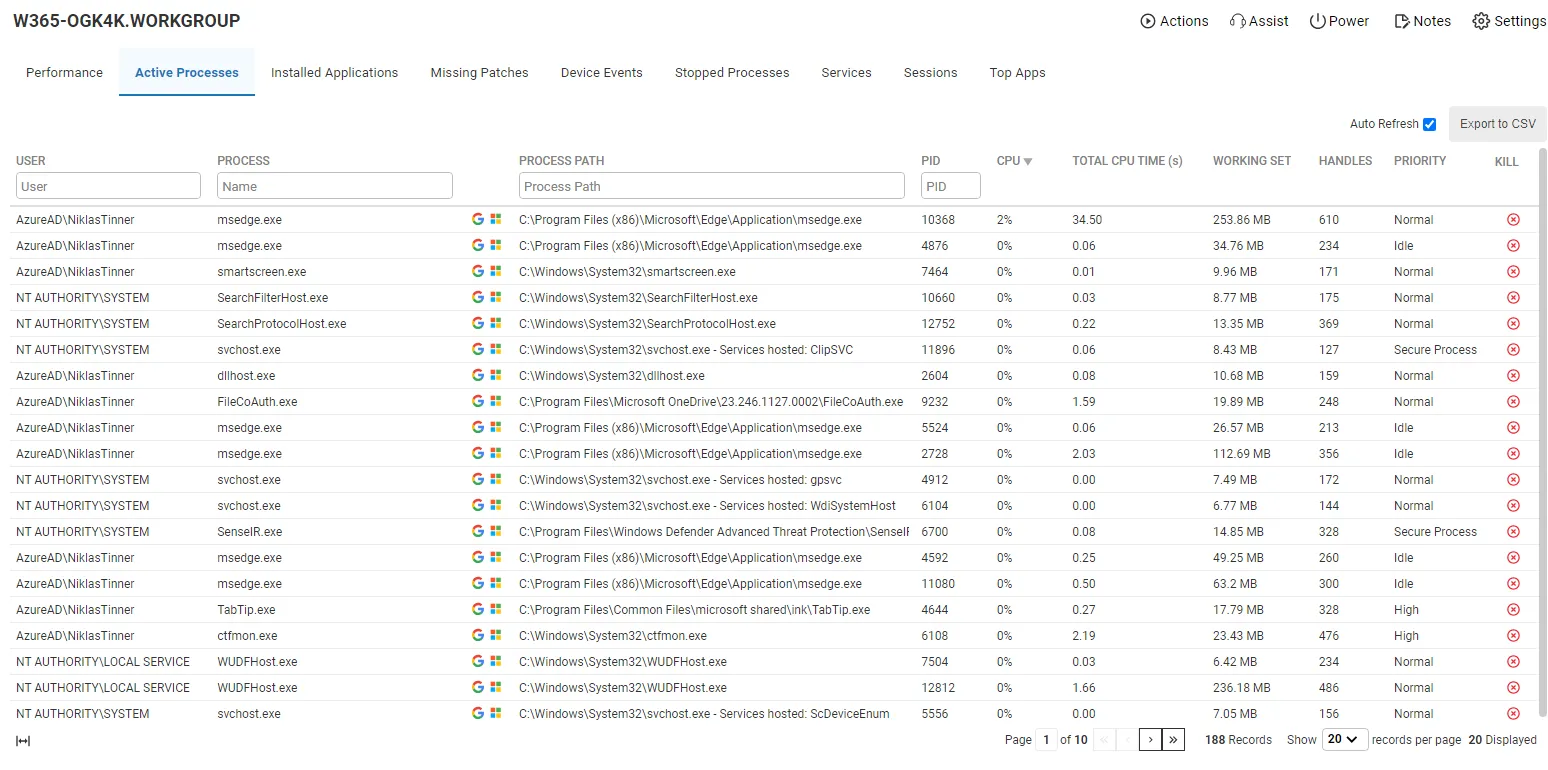
ControlUp is a powerful extension for endpoint management that delivers desktop and application monitoring, troubleshooting and remediation. An agent needs to be deployed to your endpoints (Windows, macOS, Linux), the rest is cloud-based. Discover the app portal dashboard to monitor endpoints 🔍, execute remote actions (including running scripts) by background command line sessions 🧑💻 or start a remote assistance session 🛟.
Get Started
- Register a tenant for ControlUp with a demo license here
- Deploy the agent through an Intune package; Download Agent and get install parameters at ControlUp > Configuration > Downloads and package it with Win32 content prep tool
Insights
Get some impressions of what ControlUp can do:
NinjaOne 🥷
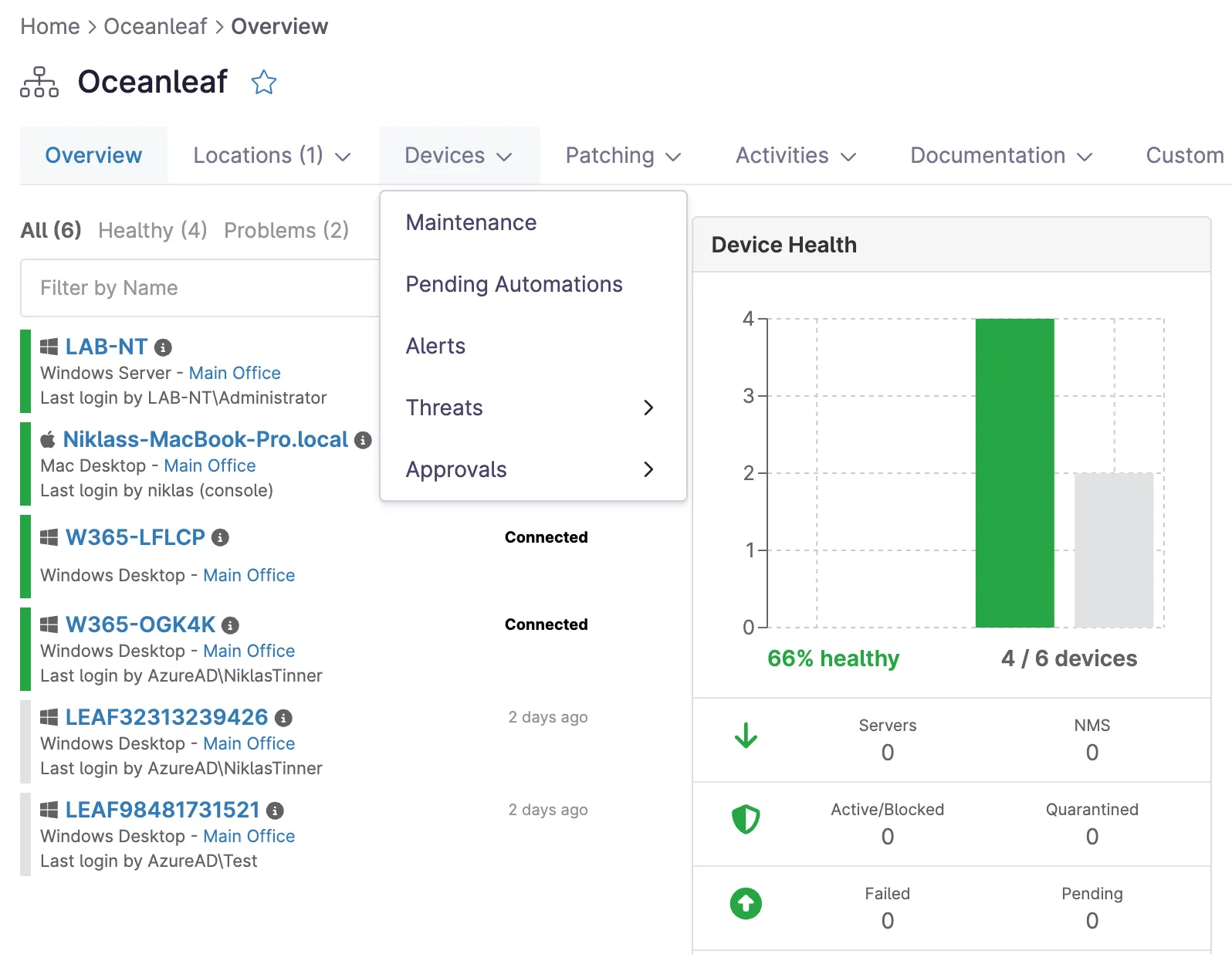
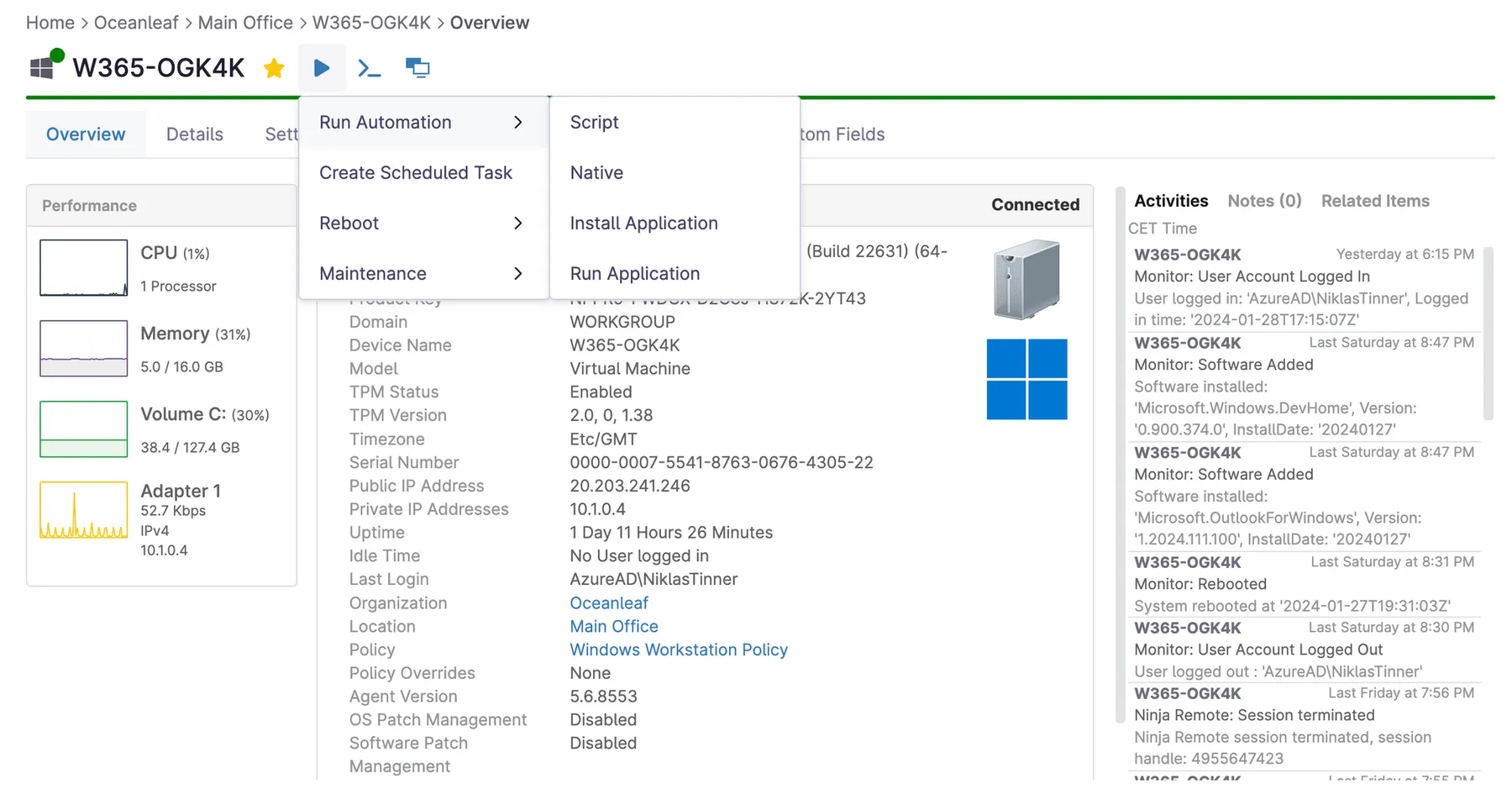
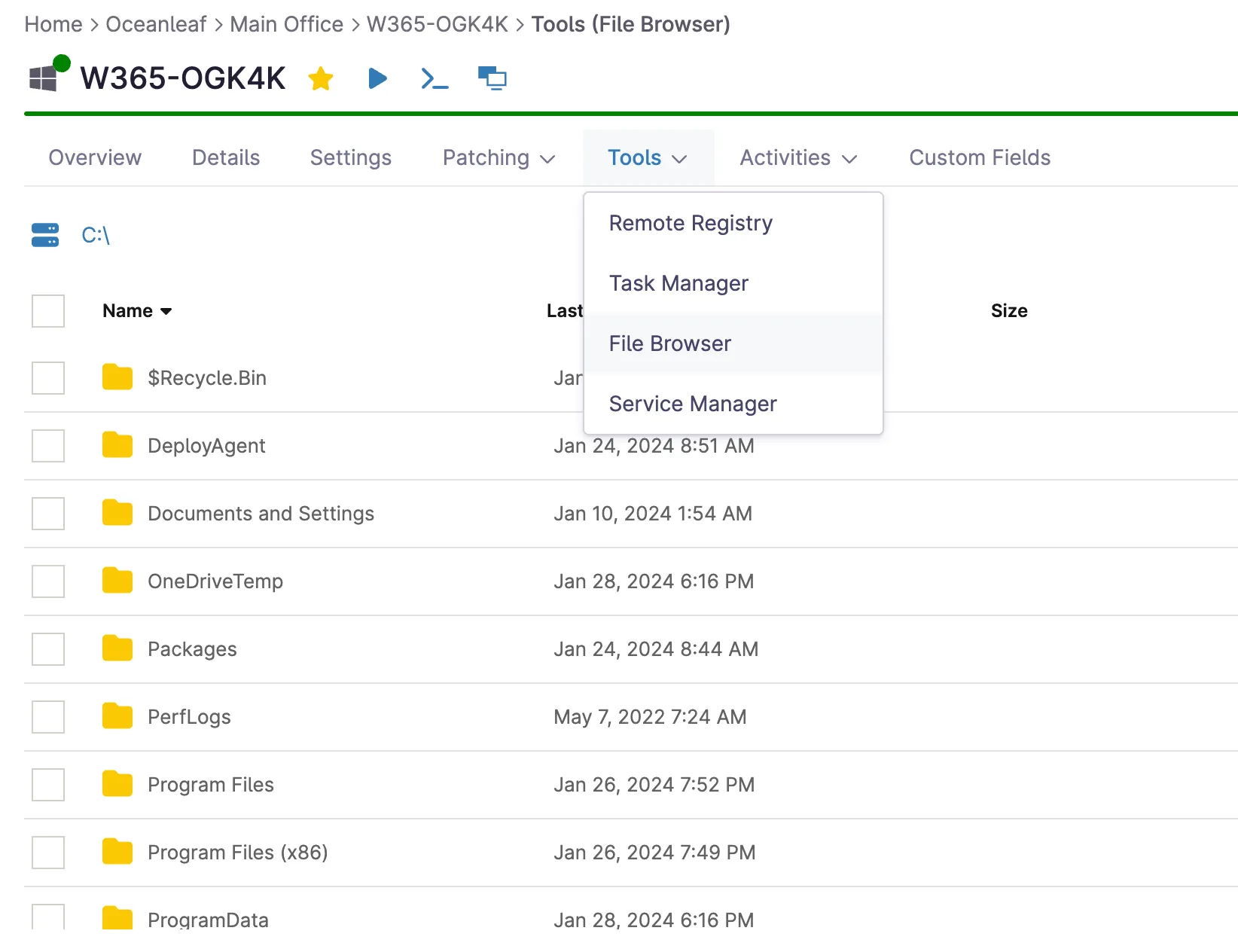
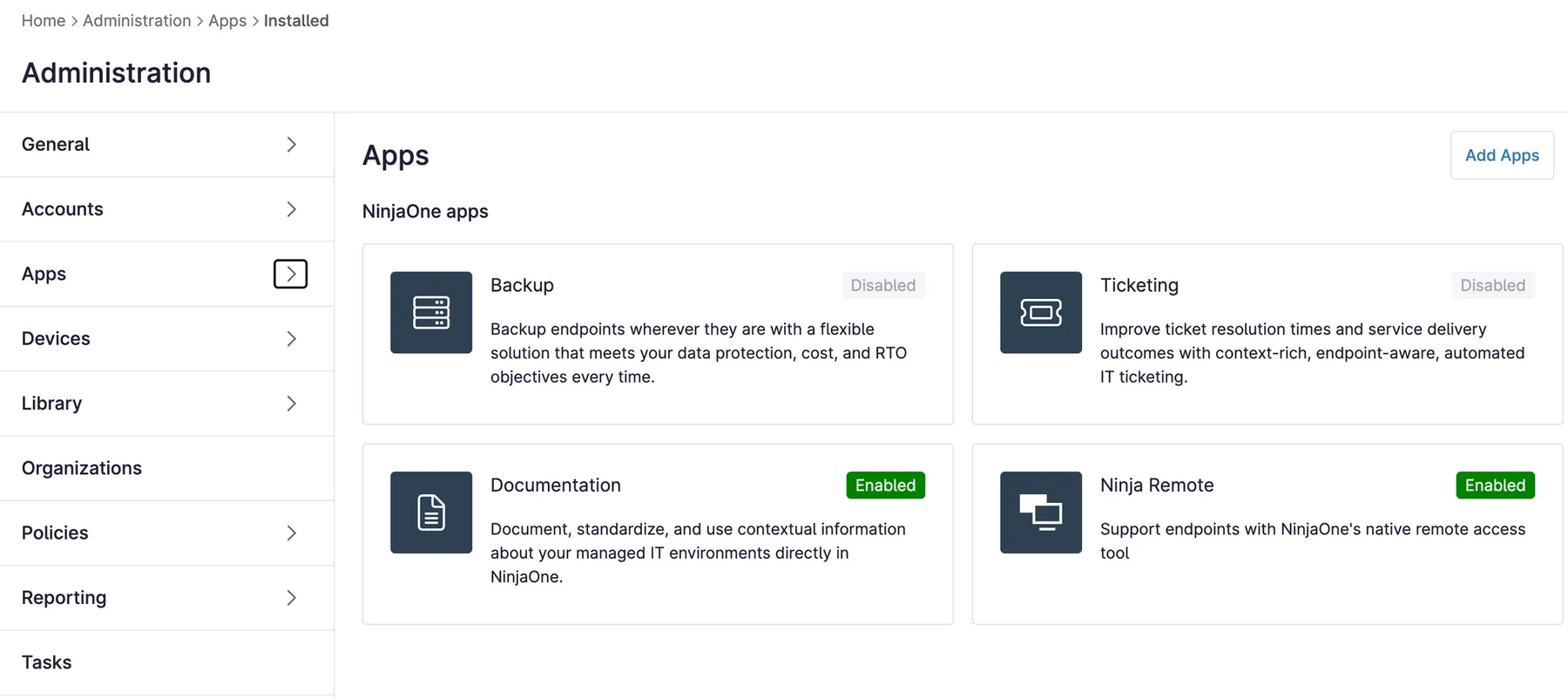
NinjaOne is a remote monitoring and management tool that is specifically designed for Managed Service Providers (MSP)👨💻 and brings in a lot of helpful features to endpoint management. From patch management, software deployment, monitoring & alerting and scripting & automation, it offers everything that IT administrators need for frictionless operations of their endpoints. 🧰
Get started
- Start a free trial with all features here
- Wait until you get contacted to setup your tenant
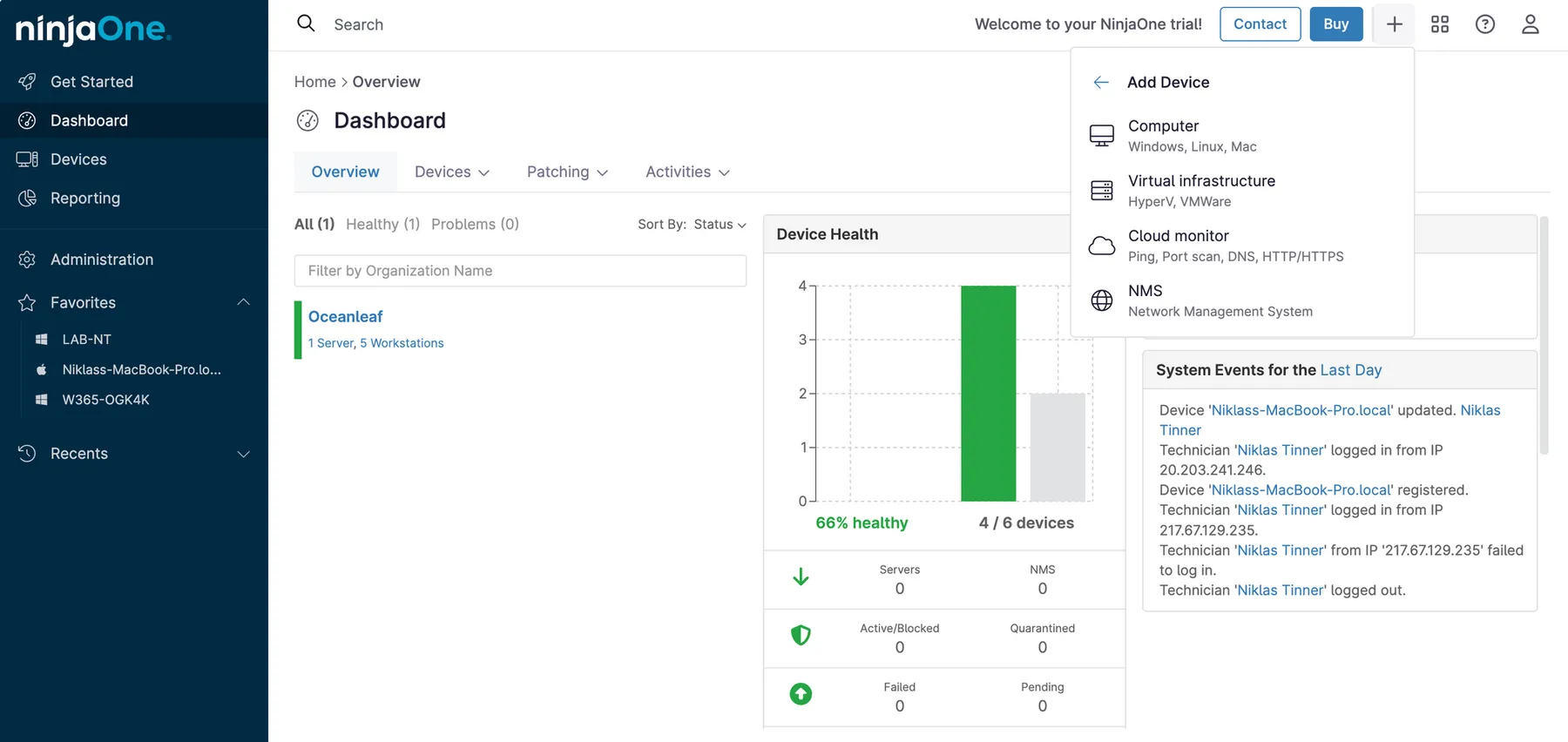
- Deploy the agent at + Add > Device > Computer; optionally package the software for Intune deployment with Win32 content prep tool
Insights
With NinjaOne you can set up and automate everything you want, have a look at it:
Tips & Tricks
Custom alerts for Windows 365 🚨
In this story I am explaining how to set up custom alerts for your Windows 365 Intune environment. It covers the monitoring and alerting for administrative tasks by examining audit logs and triggering an Azure alert rule. This can help you to detect any manipulations to the infrastructure that is powering Windows 365.
Cloud PC user request process — first-party approach 💡
Another great improvement to enable self-service, approval process, reviewal and automated provisioning is shown in this story. Use first-party tools from Entra identity governance and access packages to make this possible and let end users request and get their Cloud PC on their own. Read through it in my dedicated post:
Microsoft Sentinel Analytics for Cloud PC 🔒
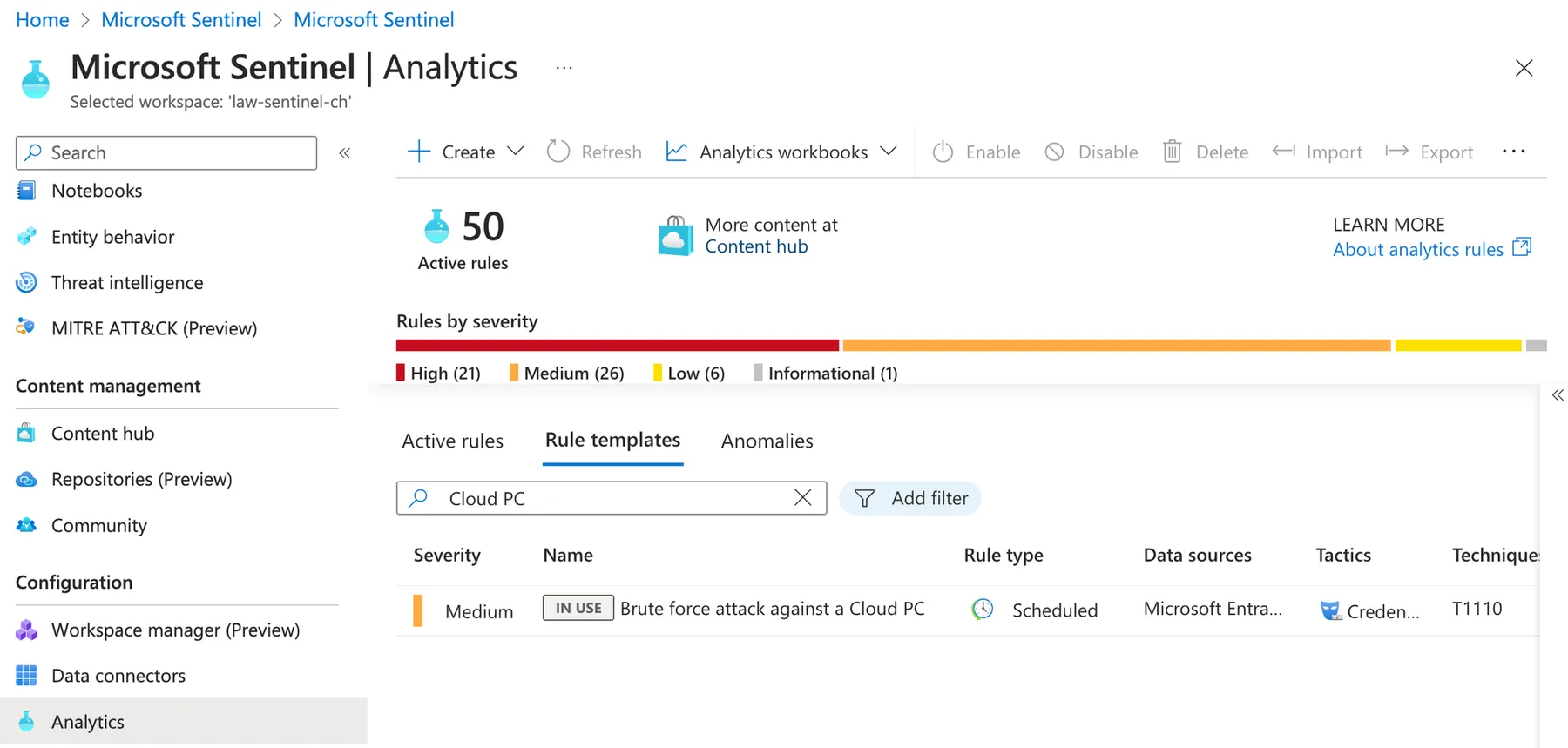
Microsoft Sentinel is the cloud-native SIEM and SOAR in the Microsoft ecosystem that collects, correlates, analyzes and remediates threats in your environment. In Sentinel, there are Analytics rules, that detect malicious behavior from log events. And there is a built-in rule template for "Brute force attack against a Cloud PC", that fires when such an activity is detected. You can enable this rule template to enhance security monitoring for your Cloud PCs.
Intune community tools 🦸
As Windows 365 management is powered by Intune, it is a good idea to have a look on Intune tools, especially the ones built by the community. For now I can recommend another good post that showcases these tools: Our list of Intune Community Tools - 2023 Edition (systemcenterdudes.com)
Windows 365 is powered by the community! Check out the official community with lots of valuable resources here:
Related posts