My Azure Governance guidebook
Introduction
This post is for everyone that occasionally touches Azure resources or performs operations on Azure and wants to improve their understanding of governance. This post is simple and dedicated for beginners and shows the most important considerations. ❗️
The definition of Azure Governance is quite broad, but in the end it is about maintaining hygiene and control over your digital infrastructure, hosted in Microsoft Azure. This could include computing resources, data storage, intelligence services, networking or security resources.
Why Azure Governance?
More and more organizations are making use of Azure, next to Microsoft 365 services. They need more flexibility and a wider range of products to fulfill an IT need. Every here and then, an administrator creates a new resource and starts using services. Over time, this can get messy and in the worst scenario get out of control. Cleaning up and bring everything in a good shape means more effort that sticking to proven framework.
🎯 Goals
- Build sustainable and logic Azure infrastructures
- Maintain defined concepts and a healthy cloud environment
- Keep operational costs under control
- Reduce business risk
- Ensure security on the cloud platform
Tip: Read common antipaterns, you should avoid.
Overview
| Check | Criticality | Implementation / Compliance costs |
|---|---|---|
| 1 Data location | 🚨 Critical | 🟢 Low |
| 2 Naming location | ✅ Helpful | 🟢 Low |
| 3 Structure and hierarchy | ✅ Helpful | 🟢 Low |
| 4 Permissions & RBAC | 🚨 Critical | 🟠 Medium |
| 5 Budgets & costs | 🚨 Critical | 🟢 Low |
| 6 Tags | ✅ Helpful | 🟠 Medium |
| 7 Policy | ❗️ Advanced | 🔴 High |
| 8 Blueprints (retiring) | ❗️ Advanced | 🔴 High |
Tips
1 Data location
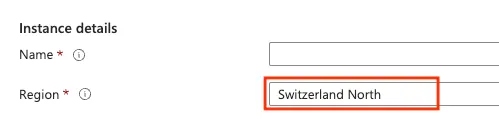
First of all, the geographical residency of your data and services should be a key consideration. Choosing a appropriate region, probably the closest to your corporate location or branch office may improve performance, but more importantly, ensures that your data remains within the country's borders, thereby complying with local data sovereignty laws and regulations.
2 Naming convention
The naming convention is always the first thing I ask my customers. Sometimes they already established one, and sometimes they are completely new with it. Naming convention ensures hygiene and let's you easily identify your own or others resources and immediately reveals crucial attributes of the resource, such as environment (prod/int/dev), Azure region residency or workload type.
3 Structure and hierarchy
Understanding the hierarchy of Azure resources and defining how to organize will benefit you with:
- Proper resource organization
- Clear responsibilities of resources
- No security gaps by permission misconceptions
Microsoft Learn: Diagram that shows the relationship of management hierarchy levels
Source: Microsoft
4 Permissions & RBAC
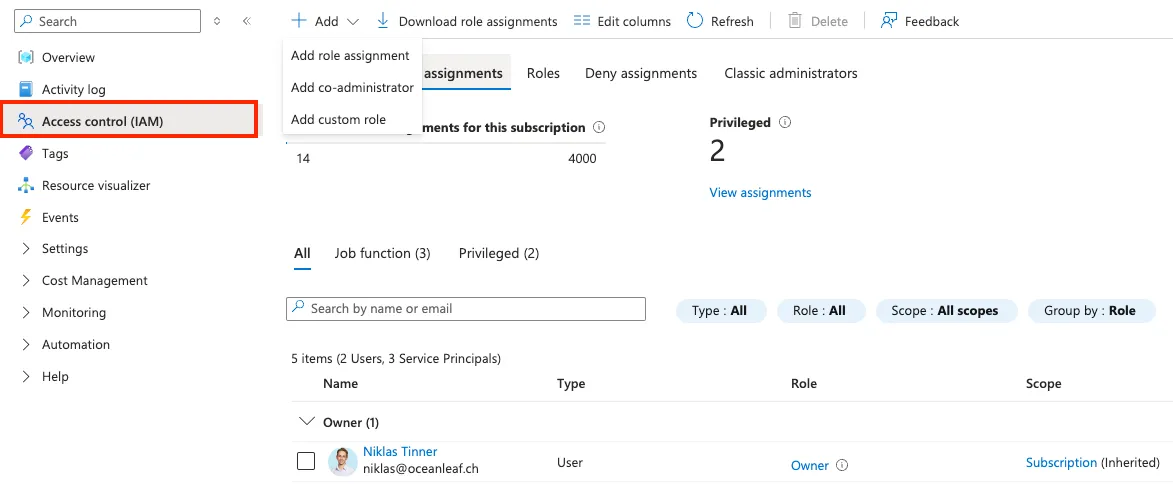
Identity & access management (IAM) is a very crucial part and should be defined very clearly. Each resource can be assigned with specific permissions and roles that should follow the principle of least-privilege to fulfill the required task.
5 Budgets & cost
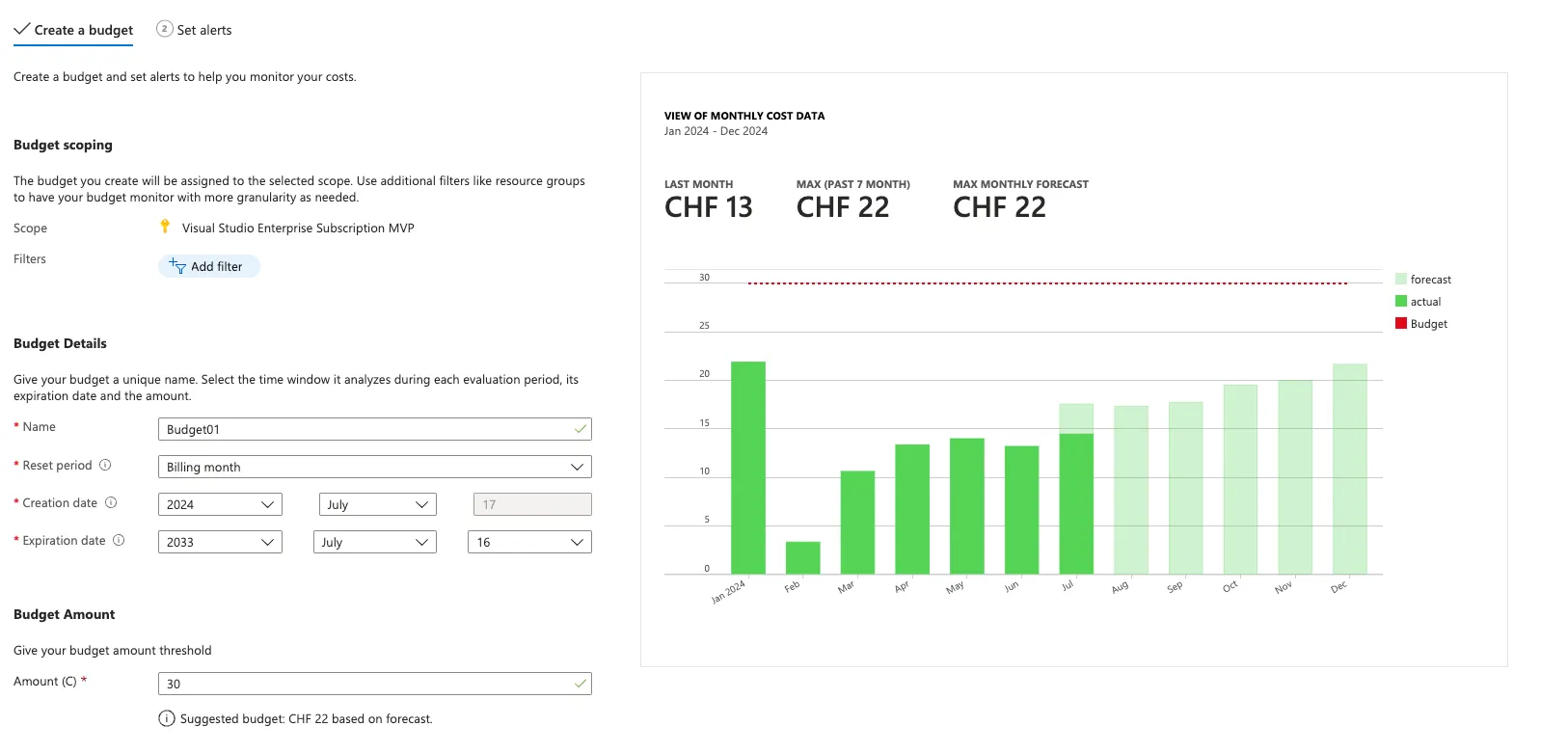
Maintaining cost control over all resources should be a top priority, if you wish to avoid high, unexpected bills 😉
Every subscription should have configured at least one budget with a smart forecasting of the expected costs. If it actually or predictively reaches the budget, admins should receive a notification about it. Set a subscription budget at Subscription > Cost Management > Budgets
Also make use of the built-in cost analysis tools that is visible for every subscription or resource group.
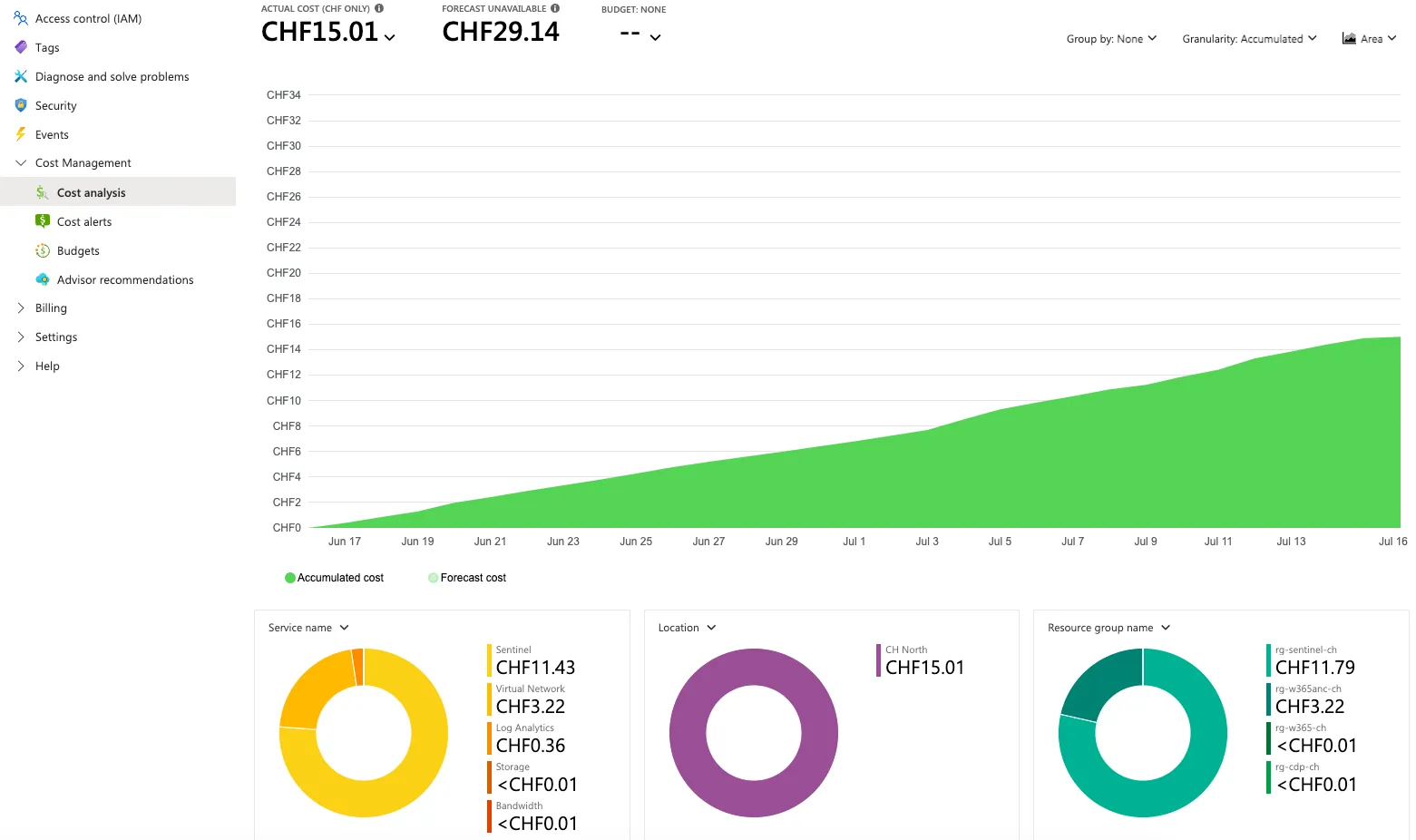
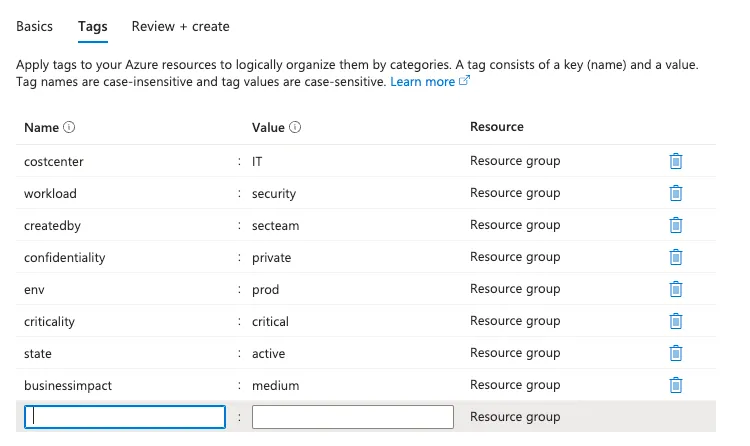
6 Tags
Azure tags are a key-value pair that can be set for each and every resource in Azure. It is basically metadata, to better identify, group and recognize resources. It is not a bad idea to consider these and add pre-defined templates.
7 Policy
❗️ Advanced
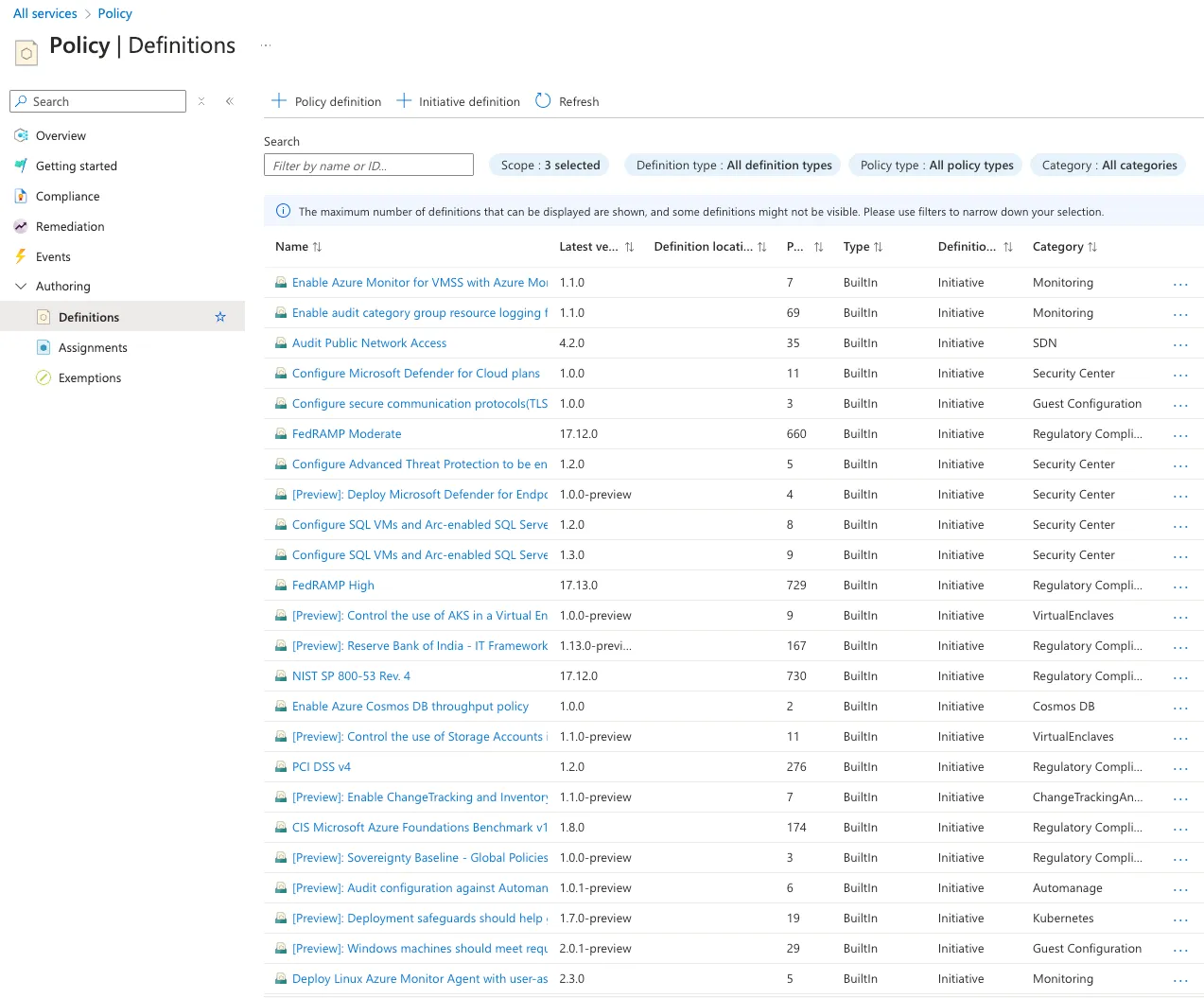
Azure Policy is a definition-based system to apply policies and restrictions that are evaluated against Azure resources. Different compliance sets are pre-defined and can be applied. Those hold definitions (json files) that check certain features, services, settings and attributes of resources. The overall compliance state defines how much you comply with your own or external compliance regulations.
8 Blueprints (retiring)
❗️ Advanced
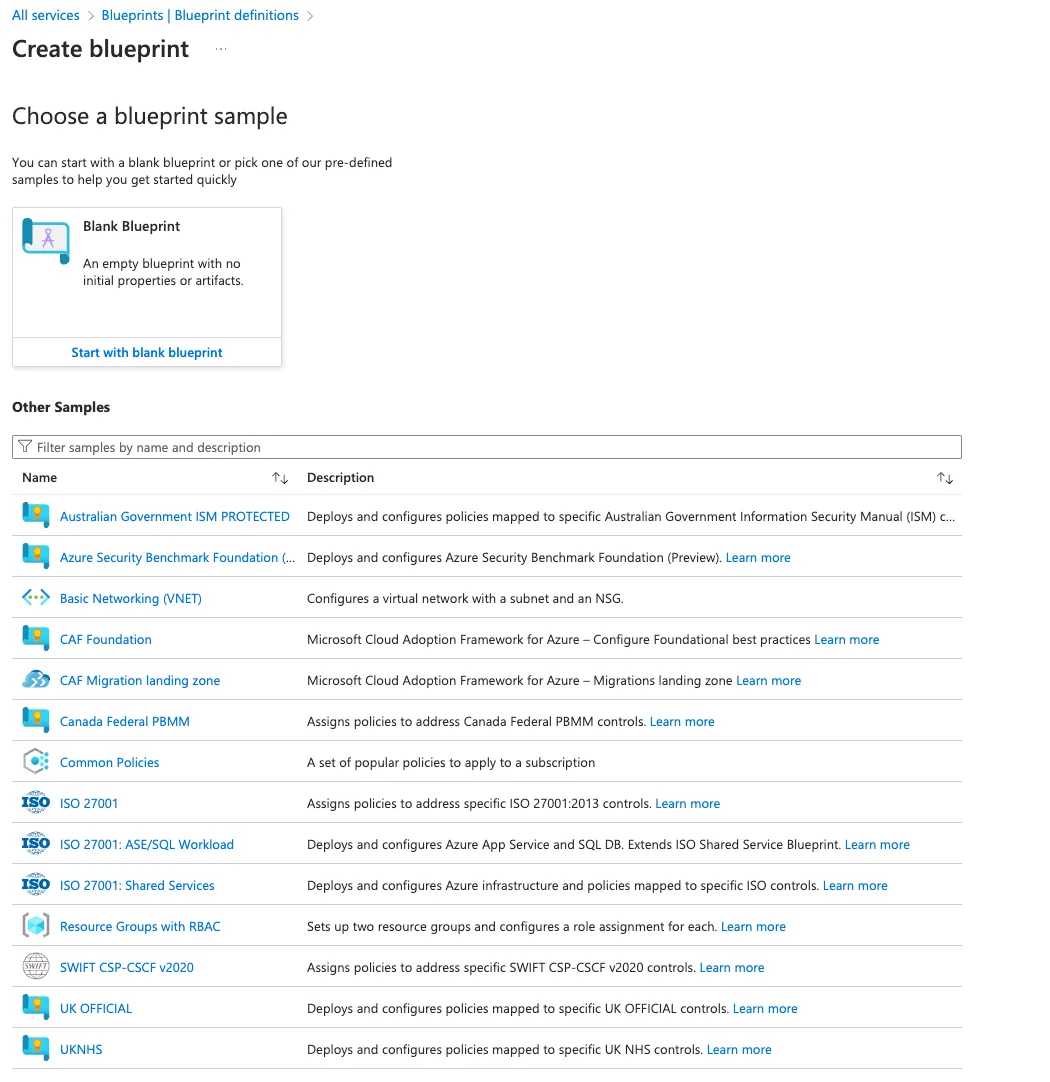
Azure Blueprints were defined templates to create resources with pre-configured settings. Microsoft is retiring the service: the phased retirement began on 31 July 2026, and Blueprints will be retired on 31 January 2027. For new environments, use Deployment Stacks (recommended) and Template Specs, together with Azure Policy.
🔮 Bonus: Entra ID takeover
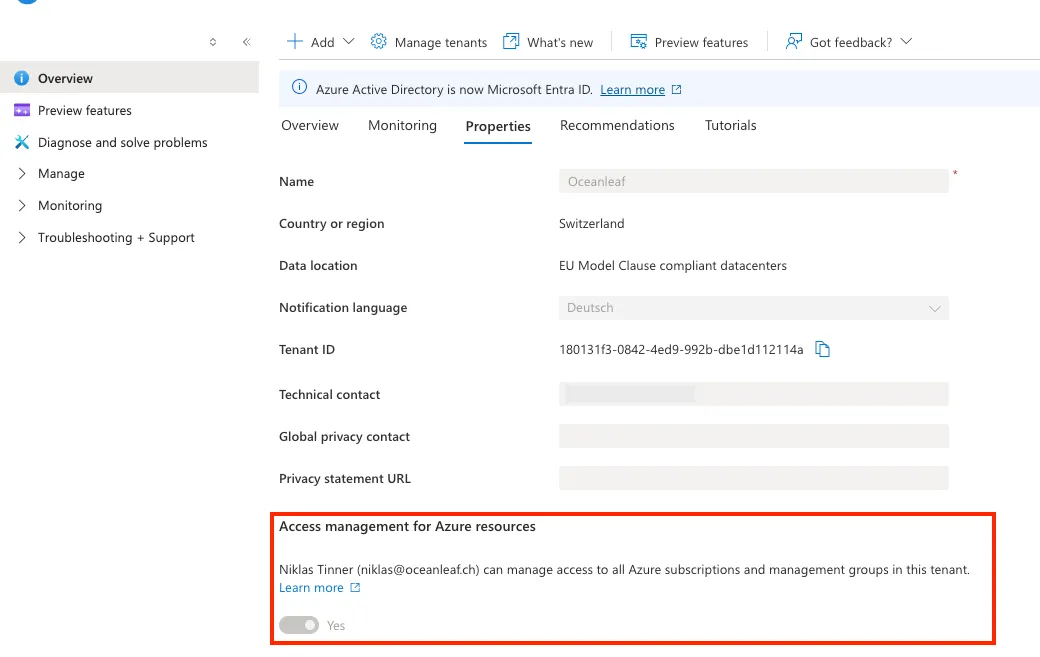
Someone with a Global Administrator role in Microsoft Entra ID can take over Azure resources. In principle, Entra ID and Azure don't share their RBAC, but Azure is using identities from Entra ID. At Microsoft Entra > Overview > Properties you can define if your Global Administrator roles have access to Azure, which is an important security consideration.
Shoutout to Pratheep Sinnathurai for valuable inputs!
powered by Oceanleaf
Related posts