Windows 365 Link: a new era for Windows Cloud
Introduction
Today was a big day for Windows Cloud. Microsoft announced Windows 365 Link. Introducing a groundbreaking 🎉 new product that revolutionizes the interaction with Windows 365 and shows the future of virtualization. Dive into everything you need to know in this post!
Link
Key facts
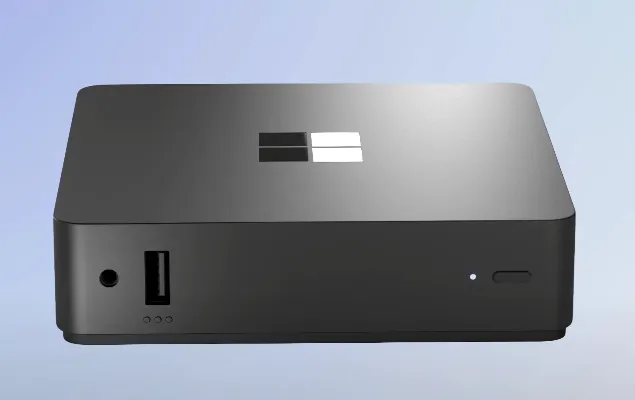
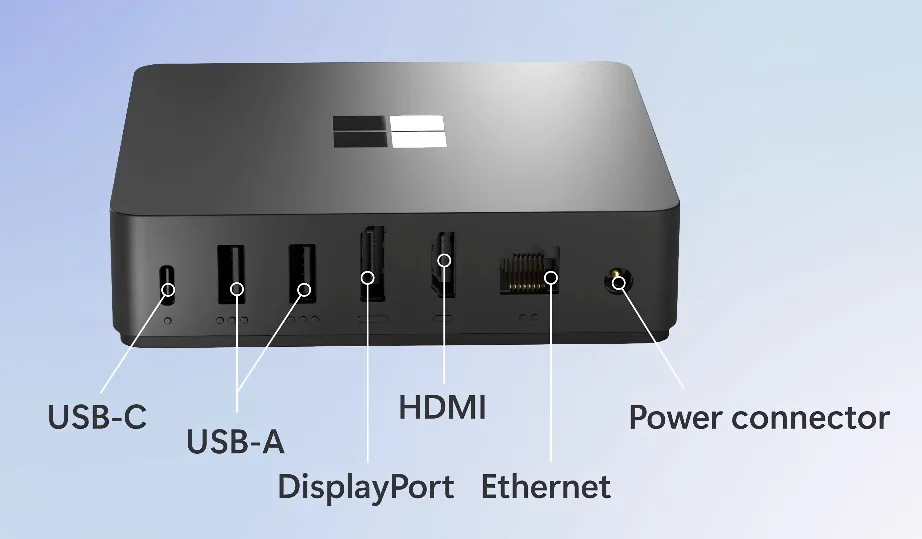
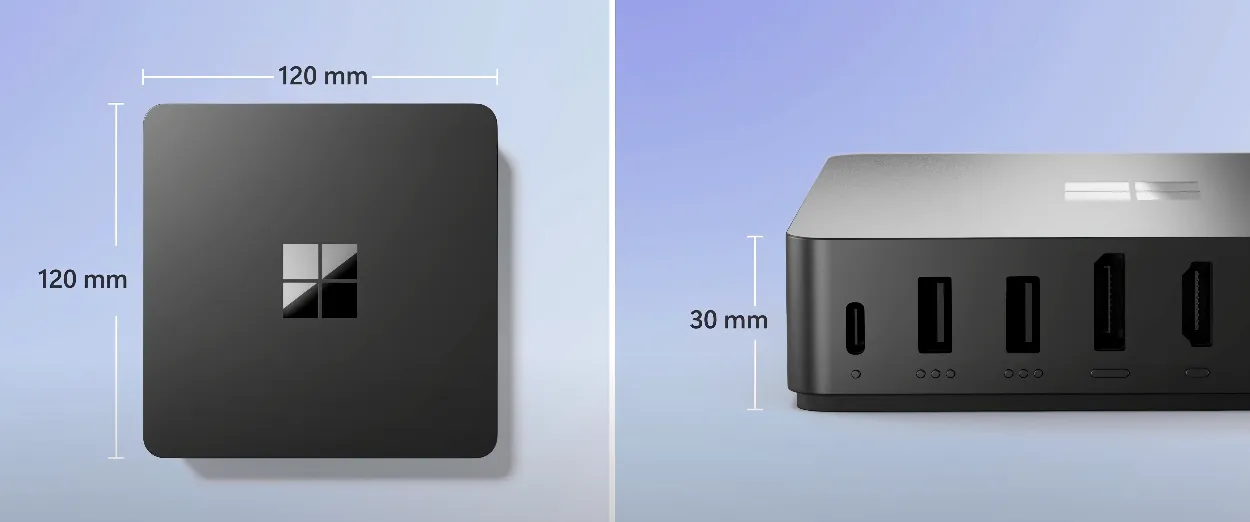
- 🗃️ Link is a compact, physical device designed as a small box equipped with multiple connection ports (3x USB-A 3.2, audio 3.5mm, 1x USB-C 3.2, HDMI, Displayport, Ethernet, Power, Kensington Lock - Wi-fi 6E, Bluetooth 5.3)
- 💡 It runs its own operating system, specifically designed to function as a connection gateway. (similar concept: thin-client)
- ⏯️ Purpose-built to connect to your Cloud PC seamlessly
- 🔧 Easy and lightweight management of the endpoint with Intune
- ✅ Generally available for purchase in select markets (United States, Canada, the United Kingdom, Germany, Japan, Australia, and New Zealand, to be expanded in the future) at $349 starting April 2025
- 🔐 Sign in with modern authentication, e.g. with FIDO2 key
- 🧼 No local data stored
- 🔄 Automatic updates (no further infos yet)
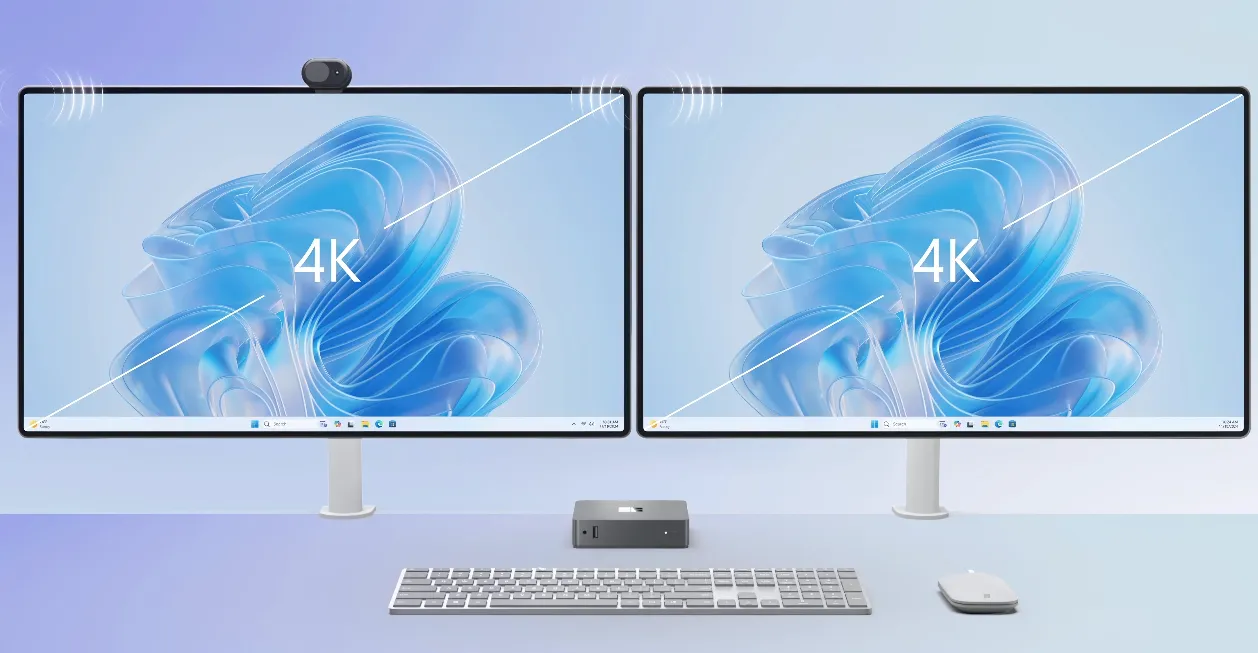
- 🖥️ Connect up to 2 monitors with each 4k
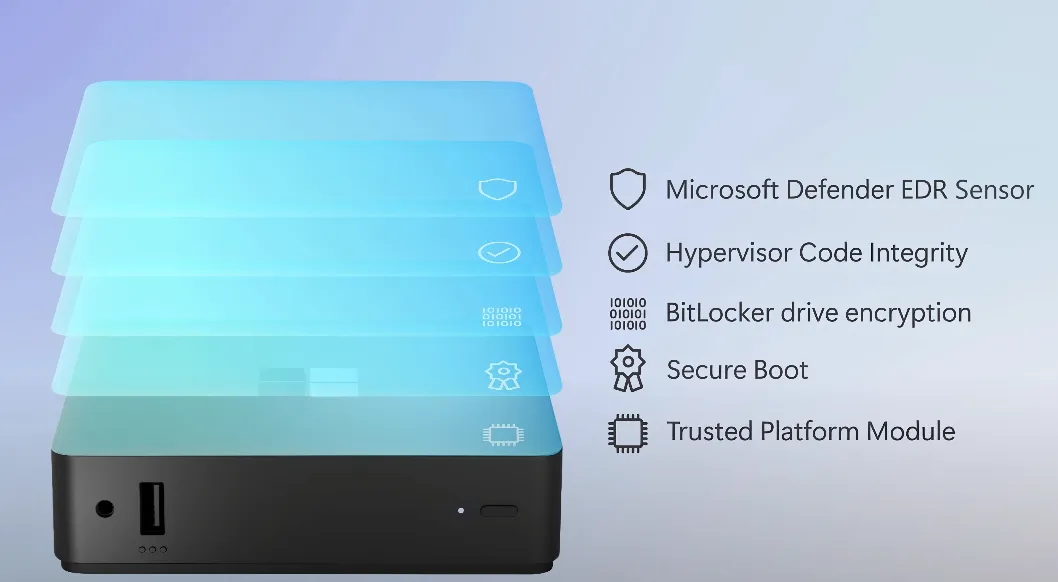
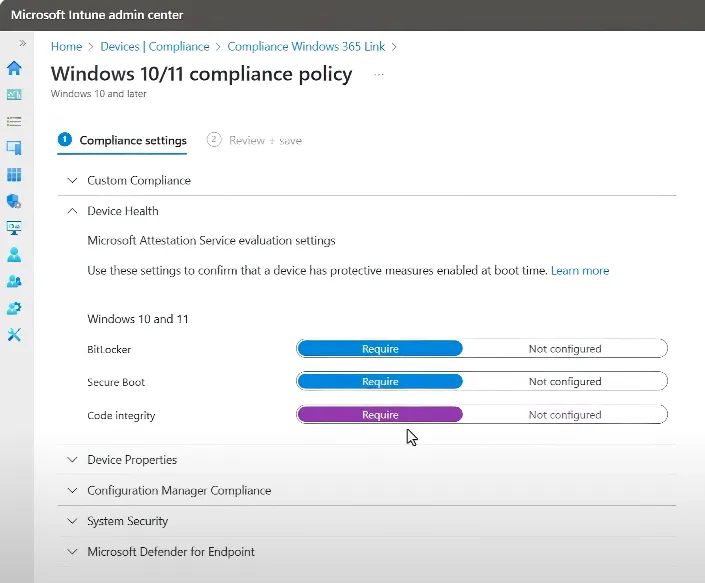
- 👮♂️ Secured from chip to cloud, with TPM, Secure Boot, BitLocker, Hypervisor Code Integrity and compatibility for Defender for Endpoint sensor
- 💡 Use case: Frontline workers who often change their workplace and need to sign-in quickly to their Cloud PC and continue their work
High-level setup
To start with Windows 365 Link, easily follow these steps:
- Unbox the device and connect it to power
- Start the device and connect it to Wi-fi (or Ethernet)
- Sign-in with your work account
- The device joins to Entra and enrolls into Intune (no public information if Autopilot is used, but I assume so)
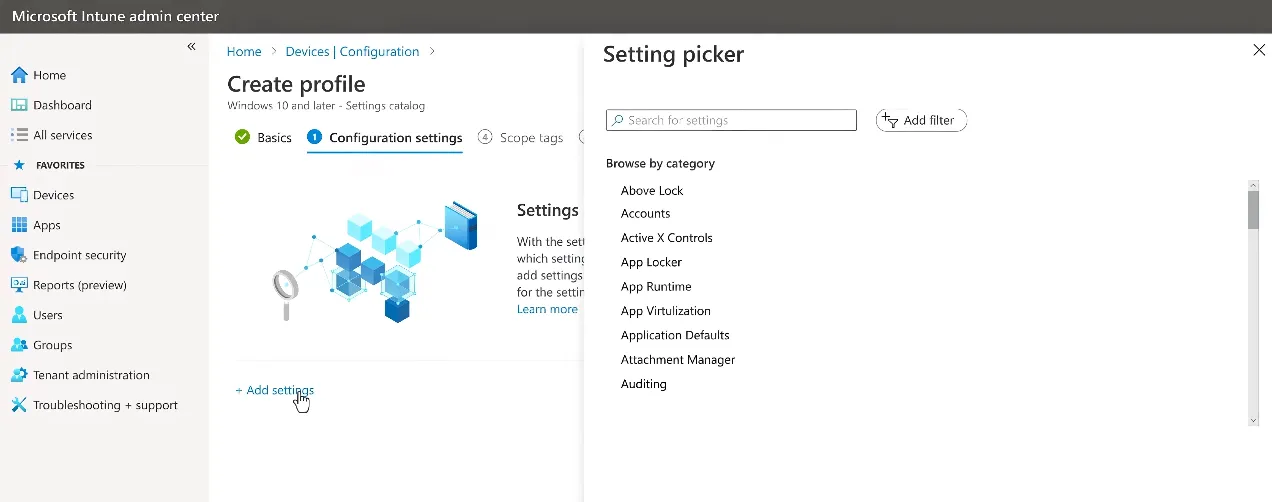
- Mange the device with configuration profiles, compliance policies and endpoint security and monitor
Management
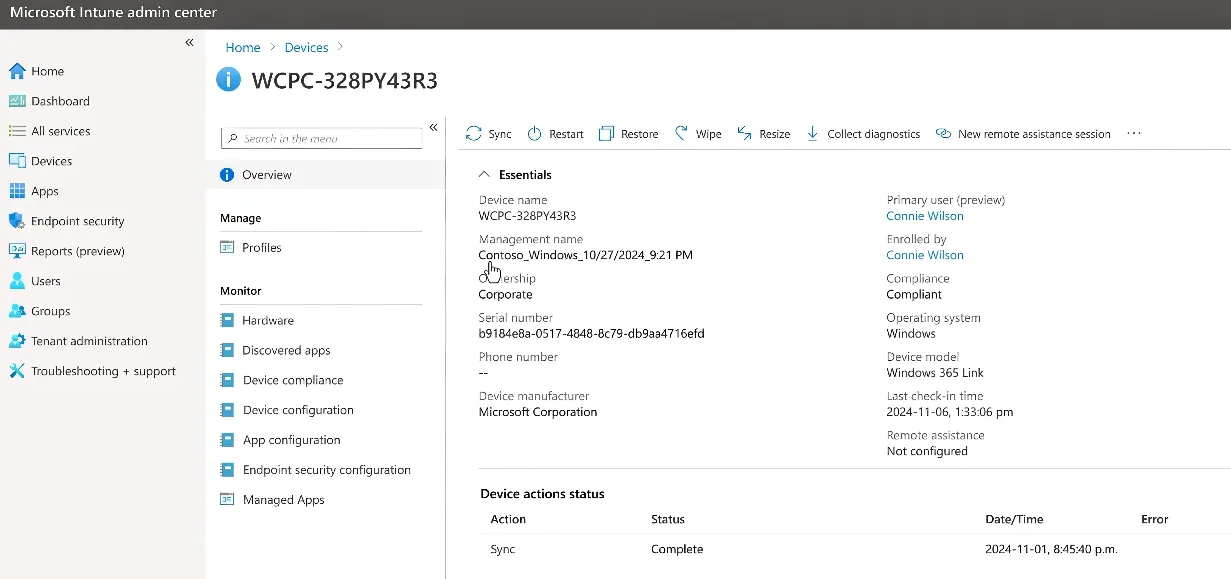
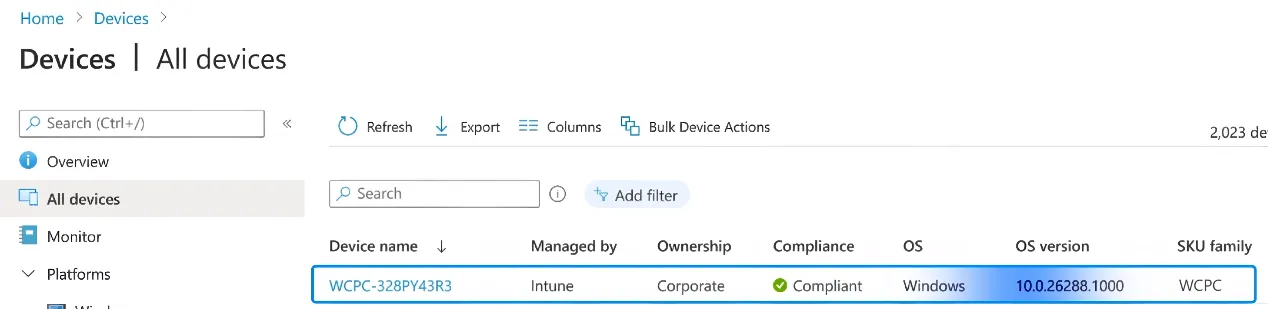
Management fully works over Intune through existing configuration, compliance and security options and offers a new SKU family "WCPC" to identify at a glance. Note, that you will have 2 endpoints in Intune: the physical Link device and one or more virtual Windows 365 Cloud PCs. The management experience will likely be similar to the endpoint management existing experience, but with more dedicated options and settings.
My thoughts
Let's talk about the reasons why Microsoft decided to make this move and sell its own hardware in this market.
Product considerations: Windows 365 reinforces the Windows Cloud journey, by removing complexity to connect to your Cloud PC and work in a modern fashion. There is no need to acquire local powerful hardware, when you can dynamically obtain it from the cloud. Furthermore, this shifts the payment model to a monthly cadence and calculable costs for customers. Microsoft is taking over responsibility and provides a state-of-the-art desktop as a service (DaaS) solution.
Adoption: I am excited how the market adoption of this new product will be and when it's available in Switzerland 😉. There are still some ambiguities, for example how the detailed technical setup looks like with Intune and how the operating system is designed and can be secured and updated.
In the end, it attests that Microsoft is serious about Windows Cloud and that it will be delivered by the cloud and with the technology of Windows 365.
powered by Oceanleaf
Related posts